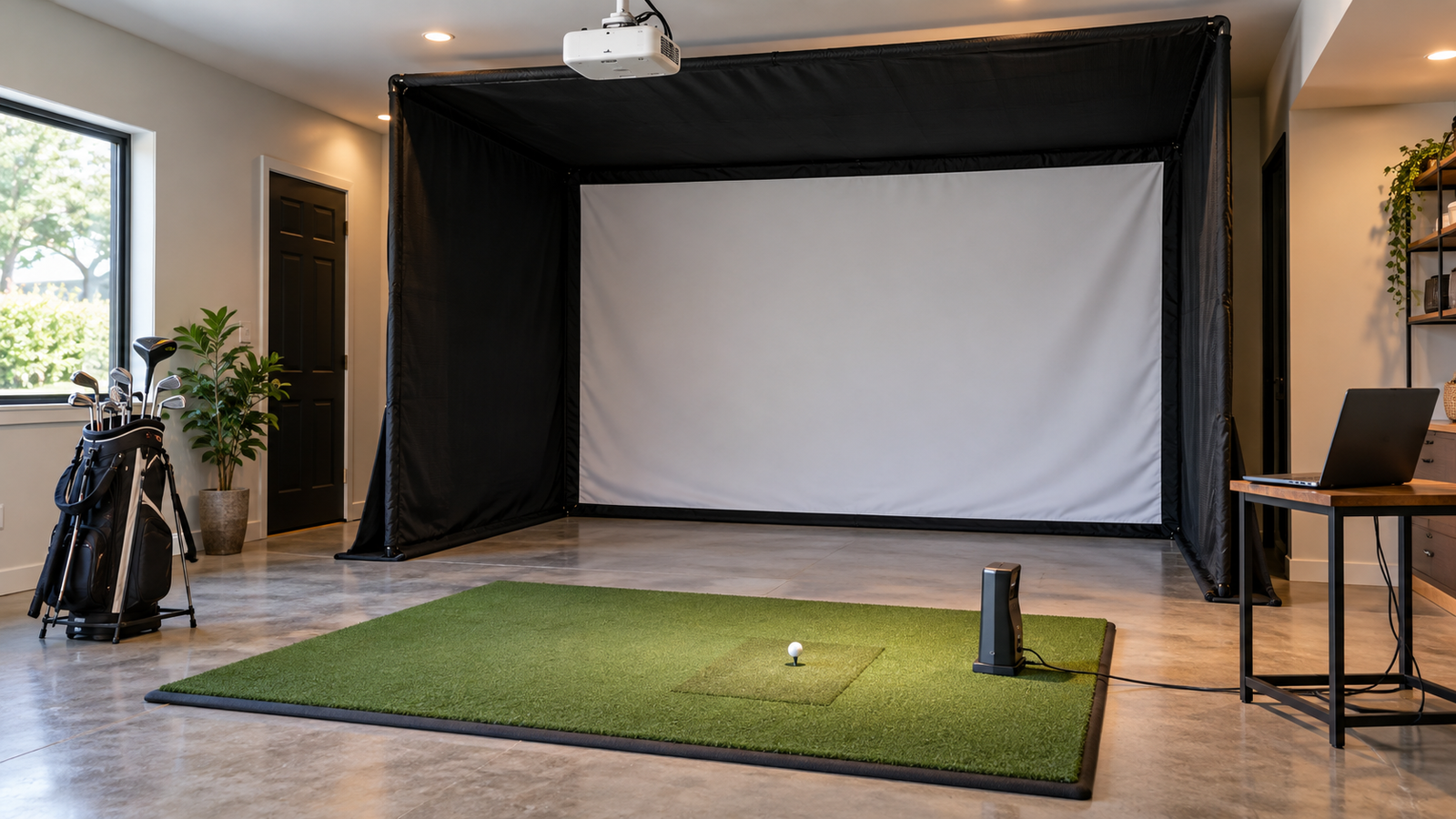
Golf Simulator Accessories
Accessories should solve a specific problem: contain a missed shot, protect equipment, secure a component, organize the room, simplify controls, or make maintenance easier. Start with function and compatibility before adding convenience upgrades.
Prioritize Accessories by Purpose
Required for Safety or Fit
Begin with anything needed to contain shots, cover exposed frame sections, protect equipment, secure mounts, manage cables, or complete the manufacturer’s installation requirements.
Helpful for Daily Use
Next consider items that reduce repeated setup, keep equipment organized, improve control access, support consistent ball placement, or make a shared room easier to reset.
Optional Comfort Upgrades
Seating, display screens, decorative lighting, club storage, premium controls, and other finishing touches can wait until the simulator is operating safely and reliably.
Safety & Containment Accessories
Side Barriers & Curtains
Additional netting or curtains can close gaps beside the enclosure or provide movable coverage in a shared room. Confirm their height, length, attachment points, and stand-off distance.
Frame & Gap Protection
Padding, flaps, bumpers, or other purpose-built pieces may cover exposed supports, bottom gaps, and transitions where a ball could strike a hard surface or escape the hitting bay.
Projector & Equipment Guards
A projector cage or equipment guard can protect hardware that must remain near the hitting area. It should not block airflow, the projector beam, controls, or normal maintenance access.
Cable Management
Cable covers, raceways, clips, and protected power locations can reduce trip hazards and keep signal and power cables away from balls, clubs, and moving equipment.
Equipment Positioning & Controls
Projector Mounts & Stands
Choose a mount or stand only after confirming throw distance, image size, lens position, ceiling clearance, ventilation, adjustment range, and protection from clubs and golf balls.
Launch-Monitor Stands & Cases
A stand, alignment aid, or protective case may improve repeatable positioning. It must preserve the device’s required height, angle, distance, field of view, and ventilation.
Computer & Control Station
A small cart, wall shelf, desk, touch display, wireless keyboard, or remote can keep controls accessible without placing the computer in the shot path.
Lighting & Cameras
Task lighting can make the hitting area easier to see, while swing cameras can record the golfer’s motion for later review. Position them so they do not wash out the projected image, create glare, or enter the golfer’s swing area.
Convenience, Storage & Maintenance
Ball & Club Organization
Ball trays, baskets, club racks, and shelves can keep loose equipment away from the stance area and reduce repeated trips across the hitting zone.
Flooring Transitions
Edge ramps, trim, turf seams, and leveling materials can create smoother transitions around the mat, but they should not introduce unstable footing or new trip points.
Cleaning & Spare Parts
Use only manufacturer-approved cleaning supplies. Keep a small supply of replacement items that are specific to your setup, such as approved fasteners, ties, cables, or remote batteries.
Seating & Room Comfort
Place seating, fans, heaters, speakers, and other comfort items outside the swing and rebound zones.
Check Compatibility Before You Buy
Here, compatibility means that an accessory must physically fit the room and equipment, connect properly to any power or electronic components, and remain practical to maintain or replace as the simulator changes.
Physical Fit
- Dimensions, attachment points, and adjustment range
- Compatibility with the enclosure, screen, mat, or room surface
- Clearance from the swing, shot path, doors, and walkways
Technical Fit
- Power, ports, cables, wireless connections, and software support
- Projector, computer, display, and launch-monitor requirements
- Ventilation, heat, signal range, and cable length
Long-Term Fit
- Cleaning, inspection, storage, and replacement needs
- Warranty limitations and availability of spare parts
- Whether the accessory still works after future upgrades
Do Not Use Accessories to Fix a Bad Layout
An extra barrier, stand, guard, or cable cover cannot make an undersized or poorly positioned simulator safe. Resolve room dimensions, swing clearance, screen distance, enclosure coverage, and equipment placement first.