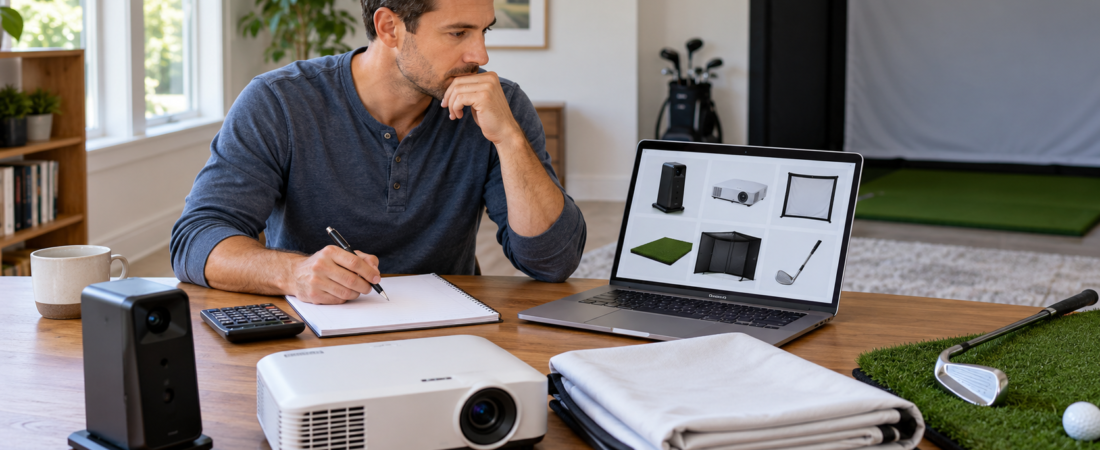
A home golf simulator can cost less than $5,000 for a basic practice-oriented setup or more than $50,000 for a premium, fully installed room. Many complete projected simulators fall somewhere between $5,000 and $20,000, depending on the launch monitor, enclosure, projector, computer, and room preparation.
The launch monitor is often the largest equipment expense, but it is not the only major decision. A safe simulator also needs a suitable hitting surface, ball containment, adequate protection, and components that work within the available room.
Prices change frequently, and package contents vary considerably. The best way to set a budget is to identify every required component and separate essential equipment from upgrades you can add later.
Typical Home Golf Simulator Budget Ranges
A basic setup costing approximately $1,000 to $5,000 may use a golf net, portable launch monitor, hitting mat, and an existing television, tablet, or computer. It can provide useful shot data and simulated play without a projector or permanent enclosure.
An entry-level projected simulator commonly falls between $5,000 and $10,000. This budget may include a camera-based launch monitor, impact screen or enclosure, hitting mat, projector, and basic computer or display equipment.
A midrange simulator may range from $10,000 to $20,000 and include a larger enclosure, an improved screen and projector, a more capable launch monitor, a dedicated computer, expanded turf, and better room protection.
Premium and turnkey installations can exceed $20,000 and may reach $50,000 or more. These systems may include high-end tracking technology, custom construction, professional installation, integrated lighting, finished wall panels, premium flooring, and entertainment features.
The Launch Monitor Is a Major Cost Variable
Launch monitors range from relatively affordable portable units to professional systems costing tens of thousands of dollars. Many popular home units cost between $1,500 and $5,000, while premium overhead and radar systems can cost substantially more.
A higher price does not automatically mean a launch monitor is better for a particular room. Camera-based, radar-based, floor-mounted, and overhead units have different space requirements and may measure different combinations of ball and club data.
Choose the technology around the room and the golfer’s goals before comparing prices. Purchasing a sophisticated unit that cannot operate properly in the available space is more expensive than choosing a less costly model that fits the installation.
Budget for the Screen and Enclosure
A standalone impact screen may cost a few hundred dollars, while a complete enclosure can range from several hundred to several thousand. Size, frame construction, screen material, depth, wall panels, retractability, and customization all influence the price.
Standard screen material may be sufficient for occasional practice. Premium or multilayer screens may provide a smoother projected image, reduced light transmission, improved durability, or different impact characteristics.
The enclosure must also protect the room and golfers. A lower purchase price isn’t a savings if you must immediately add additional barriers, padding, or replacement components to make the setup usable.
Projector and Computer Costs Can Vary Widely
Golf simulator projectors commonly range from under $1,000 to several thousand dollars. Brightness, resolution, throw ratio, lens options, and mounting requirements all affect both price and compatibility.
A short-throw projector may be necessary to fill the screen without casting large shadows or interfering with the golfer. The least expensive projector is not a bargain if it cannot create the required image from the available mounting distance.
Some launch monitors can operate with a tablet or existing computer, while advanced simulation software may require a dedicated gaming computer. A suitable computer can add $1,000 to $3,000 or more, depending on the software and desired image resolution.
Include the Hitting Mat, Turf, and Protection
A durable hitting mat may cost several hundred dollars, while larger premium mats and integrated flooring systems can cost considerably more. The hitting surface affects comfort, stability, and how the club interacts with the ground during repeated swings.
Additional turf can create a level stance area, improve appearance, and support putting. Subfloor preparation or a raised platform may add material and labor costs, especially on sloped or uneven floors.
Wall padding, ceiling protection, side barriers, ball-return components, projector guards, and other safety accessories can add a few hundred to several thousand dollars. These items should be included in the initial budget when the room requires them rather than treated as optional decoration.
Room Preparation May Cost More Than Expected
A simulator installed in a finished room with adequate power, lighting, climate control, and level flooring may require very little construction. A garage, basement, shed, or unfinished room may require substantial preparation.
Possible expenses include electrical work, insulation, heating or cooling, moisture correction, flooring, lighting, garage-door modifications, wall finishing, and structural alterations. Professional installation and custom carpentry can further increase the total.
Identify room-related costs before ordering equipment. Otherwise, a simulator package that appears to fit the budget may remain unusable while unexpected construction work is completed.
Don’t Forget Software and Ongoing Costs
Some launch monitors include basic practice software, while simulated courses, advanced features, or online play may require an annual membership. Depending on the system, software costs can range from under $100 to more than $1,000 per year.
Course packages and third-party simulation programs may require separate purchases. Confirm what is included with the launch monitor and whether ongoing payment is required to retain the features that matter to you the most.
Other ongoing costs can include replacement screens, hitting strips, projector lamps or filters, damaged golf balls, software upgrades, and occasional equipment service. These costs are usually modest compared with the initial build, but they should still be considered.
Remember Shipping, Tax, and Installation
Large enclosures, screens, mats, and wall panels may have significant shipping costs. Sales tax and delivery charges can change the final price even when the equipment itself fits the planned budget.
Some packages require customer assembly, while others include professional installation. Compare package contents carefully so you don’t compare a lower advertised price with a more complete delivered-and-installed system.
Installation costs may be substantial when the project includes overhead equipment, electrical work, custom framing, or complex screen alignment. The budget should reflect the complete usable installation rather than the price of unopened equipment.
Where Can You Save Money?
Using an existing television or computer can reduce the initial cost. A golfer who mainly wants practice data can also start with a net instead of buying a projector and impact screen right away.
Room finishes, expanded turf, seating, decorative lighting, premium sound, and built-in cabinetry can usually be postponed. These upgrades may improve the experience without being necessary for the simulator to function.
A phased approach works well when the components align with the long-term plan. But buying temporary equipment that must be discarded during the next upgrade can cost more than waiting and purchasing the correct component once.
Where Should You Avoid Cutting Corners?
Do not reduce the budget by compromising swing clearance, ball containment, electrical safety, or protection from rebounds. The room must be functional and safe before you consider cosmetic improvements.
The hitting mat also deserves careful attention because it receives every swing. An unstable or overly hard surface can make practice uncomfortable and may place unnecessary stress on the golfer’s joints.
Choose a launch monitor that works reliably indoors and an impact screen or net designed for repeated full-speed golf shots. Core components should fit the room and intended use, even if that means delaying less important upgrades.
The Bottom Line
You can assemble a home golf simulator for under $5,000, while a complete projected setup typically costs $5,000 to $20,000. Premium equipment, custom construction, and professional installation can push the total beyond $50,000.
Start with the room, launch monitor, ball containment, and hitting surface. Then add the projector, computer, software, protection, and comfort features necessary for the experience you want.
The best budget is not simply the lowest number. It is the cost of a complete system whose components fit the room, work together, and do not require immediate replacement.